
How to Set Up AI-to-Human Handover in Your Customer Support Chat
A practical guide to configuring seamless handoff from your AI chatbot to a live agent — so no customer ever hits a dead end.

Stan
@stan
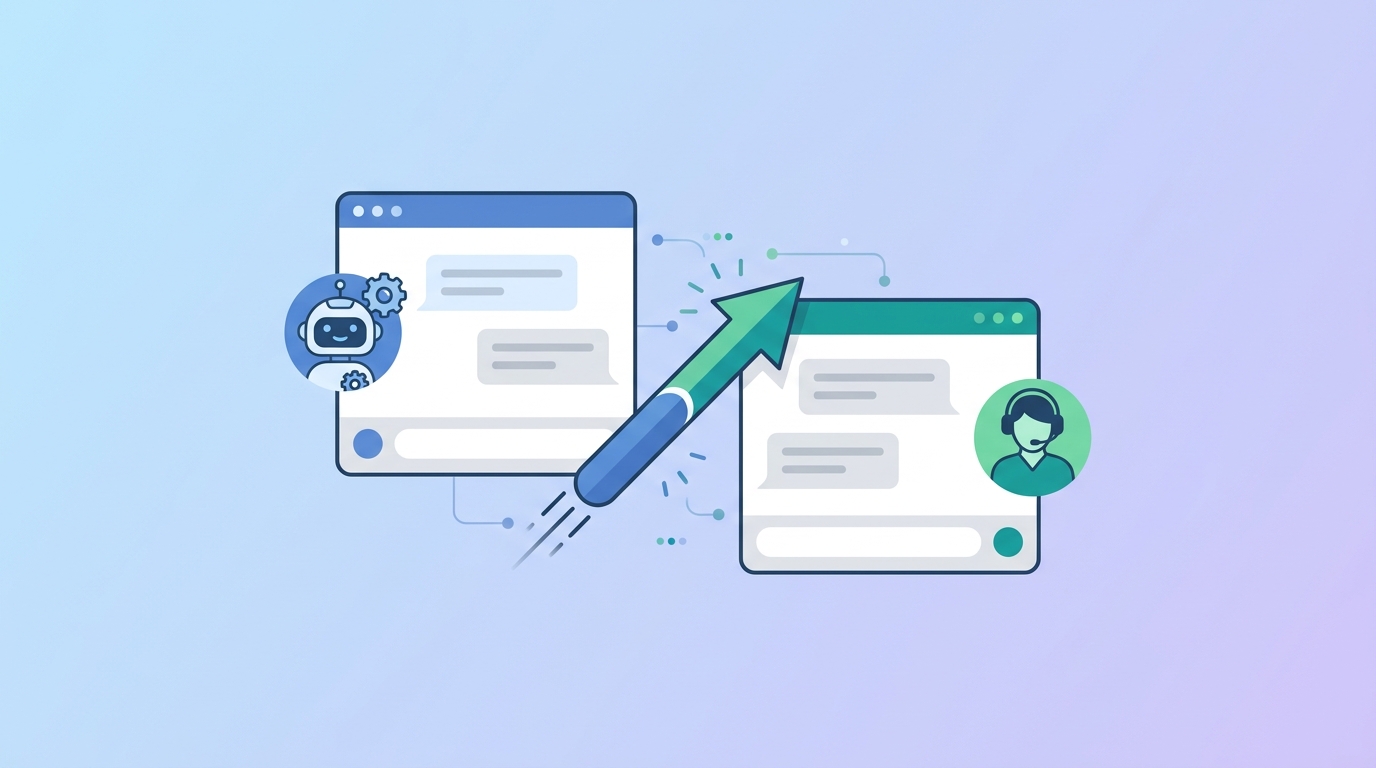
The moment a customer realizes they're talking to a bot and can't get to a real person is the moment you lose them. AI-to-human handover — often called "human escalation" or "live agent handoff" — is the feature that prevents that from happening.
Done well, the transition is seamless. The customer barely notices the switch. The agent has full context. And the conversation reaches a resolution.
Here's how to configure it properly in Paperchat.
What Is AI-to-Human Handover?
Handover is the process of transferring an active chat from your AI bot to a human agent. It's triggered either:
- Automatically — when the bot detects it can't resolve the query
- Manually — when the customer explicitly asks for a human
- By rule — when a specific keyword, topic, or conversation pattern is detected
Without handover, customers who need human help either give up or find another channel (usually email — the slow one). With handover, you create a seamless support experience that handles the full spectrum of customer needs.
Step 1: Set Up Your Agent Inbox
Before configuring handover triggers, you need somewhere for escalated chats to go. In Paperchat, go to Settings → Team and add the agents who will handle live chats.
Each agent gets their own login and can be assigned to specific bots, departments, or working hours. You can also create teams — for example, a "Billing" team and a "Technical Support" team — and route escalations based on conversation topic.
Set availability hours for each agent. Outside those hours, escalation behavior changes (more on that below).
Step 2: Configure Automatic Escalation Triggers
Automatic triggers fire without the customer having to ask. Configure these in Settings → Escalation Rules.
Bot Confidence Threshold
When Paperchat's confidence score for a response falls below a set threshold — meaning it isn't sure it's giving the right answer — it can automatically flag the conversation for human review. Recommended starting threshold: 70%.
Repeated Failed Queries
If a customer asks a similar question two or three times and the bot doesn't give a satisfying answer (measured by whether they ask again), trigger escalation automatically. This catches frustration before it peaks.
Keyword Detection
Add keywords that should always trigger escalation:
- Negative sentiment: "frustrated," "terrible," "useless," "cancel my account"
- Legal or financial: "lawsuit," "refund," "chargeback," "fraud"
- Enterprise signals: "procurement," "enterprise," "contract," "API access"
You define the keyword list. Start with 10–15 terms and expand as you review chat logs.
Step 3: Add a "Talk to a Human" Button
Always give customers an explicit way to request a human. Paperchat includes a built-in "Talk to a person" option in the chat menu, but you can also configure the bot to offer it proactively:
"I want to make sure you get the best help here. Would you like me to connect you with a member of our team?"
Trigger this offer after 2–3 exchanges if the conversation hasn't reached resolution. Customers appreciate being offered the option rather than having to hunt for it.
Step 4: Configure the Handover Message
When escalation fires, two things happen: your agent gets notified, and the customer gets a message. Both need to be configured carefully.
Customer-facing message (what the visitor sees):
"I'm connecting you with a team member now. They'll be with you in just a moment — they can see everything we've discussed so far."
This message sets expectations (a human is coming), reassures the customer (their context isn't lost), and reduces anxiety about the switch.
Agent notification:
Your agent receives a push notification or email (configurable) that includes:
- The visitor's name and contact info (if collected)
- A full transcript of the bot conversation
- The escalation reason (e.g., "keyword match: cancel account")
This context means the agent can greet the customer by name and address the actual issue immediately — not start from scratch.
Step 5: Handle After-Hours Escalations
What happens when a customer escalates outside business hours and no one is available? This is the scenario most businesses get wrong.
Don't leave them hanging. Configure an after-hours escalation flow:
- Bot acknowledges the request: "I'd love to connect you with our team, but they're currently offline."
- Bot collects contact info: "Can I get your email so they can follow up first thing tomorrow morning?"
- Ticket is created automatically in your helpdesk or CRM
- Customer receives an email confirmation with expected response time
This turns an escalation dead end into a captured lead and a managed expectation. The customer leaves feeling handled — not abandoned.
Step 6: Test the Full Flow
Before going live, run through the handover flow manually:
- Open your website as a visitor
- Start a chat and trigger an escalation (ask about something the bot can't answer, or type a keyword)
- Confirm the customer-facing message appears
- Confirm the agent notification arrives
- Log in as the agent and verify the conversation transcript is accurate
- Test the after-hours flow by temporarily setting all agents as offline
Fix anything that feels clunky or delayed. The handover should feel instantaneous from the customer's perspective.
Measuring Handover Quality
- Escalation rate — what % of chats are escalated? Aim for under 20% once your knowledge base is mature
- Escalation resolution rate — of escalated chats, what % are resolved by the agent?
- Time to agent response — how quickly does the agent join after escalation? Under 2 minutes is ideal
- Post-escalation CSAT — do customers rate escalated conversations positively? This is your measure of handover quality
AI-to-human handover isn't a fallback plan — it's a core feature of great customer support. The best support experiences are ones where AI handles the volume and humans handle the nuance, with a seamless bridge between the two. Set it up right and your customers will never hit a wall.
More Articles
How to Automate Customer Support Without Losing the Human Touch
The practical guide to using AI chatbots for customer support in a way that feels helpful, not cold — including when to hand off to a human.
March 29, 2026
How to Add a Live Chat Widget to Your Website in Under 10 Minutes
A step-by-step guide to installing Paperchat's AI chat widget on any website — no developer required.
March 29, 2026